Drivers
Some hints related to drivers and the drivers page.
Categories (tiers, divisions, etc.)
Dividing the league into categories (tiers, divisions, etc.):
Go to the Categories tab:
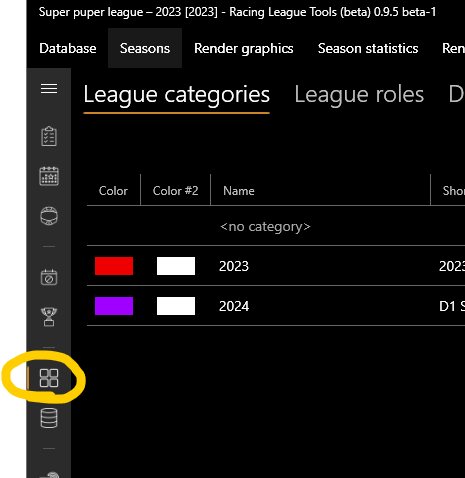
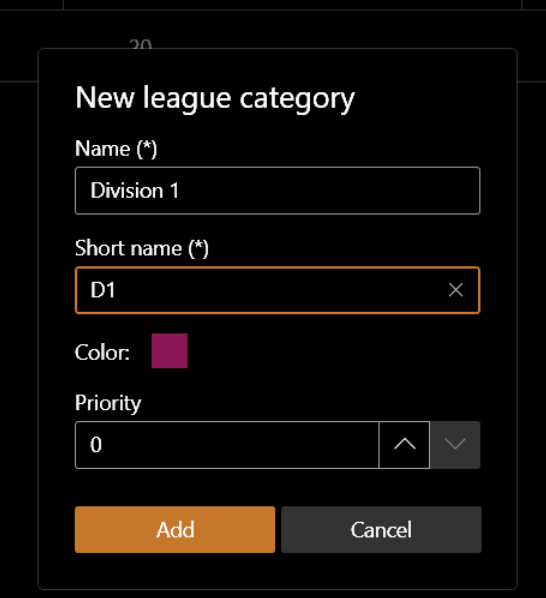
- Add new categories:
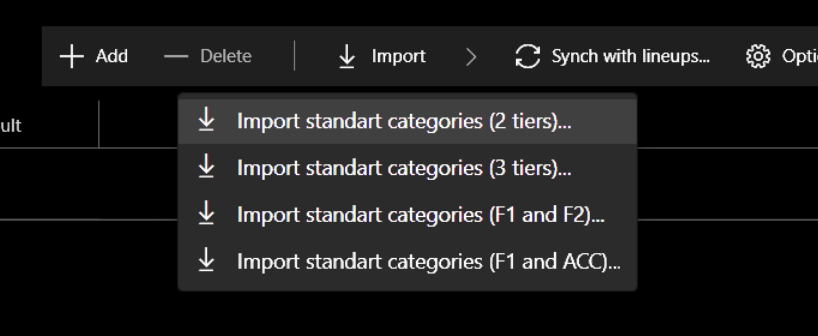
- Or import standard/default categories:
Priority affects the order of the category and seasons on the lists.
You can also set useful options such as:
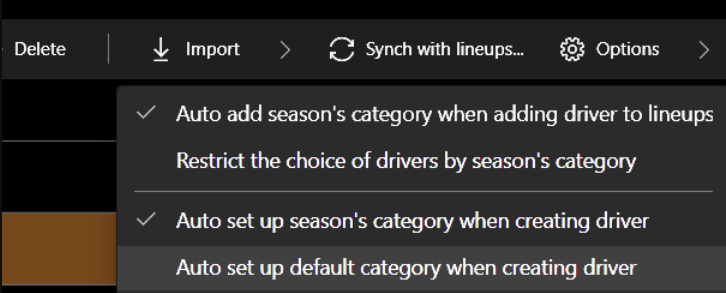
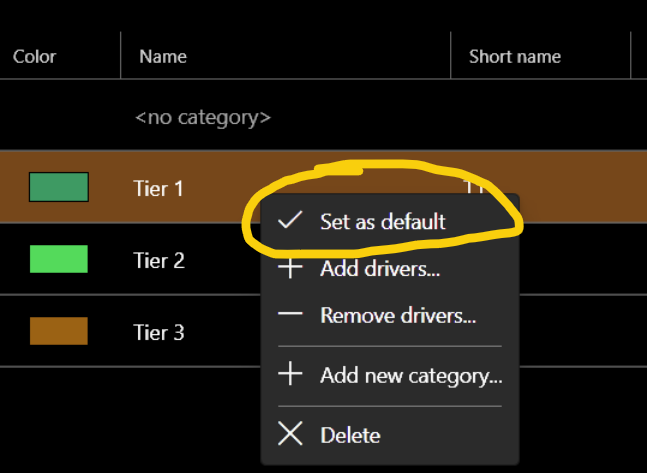
Each driver can have different categories:
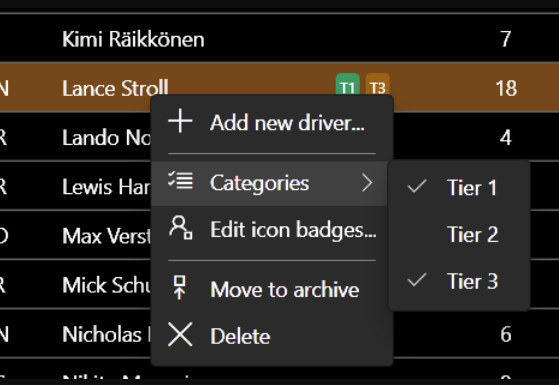
On the Categories tab you can manage the driver categories:
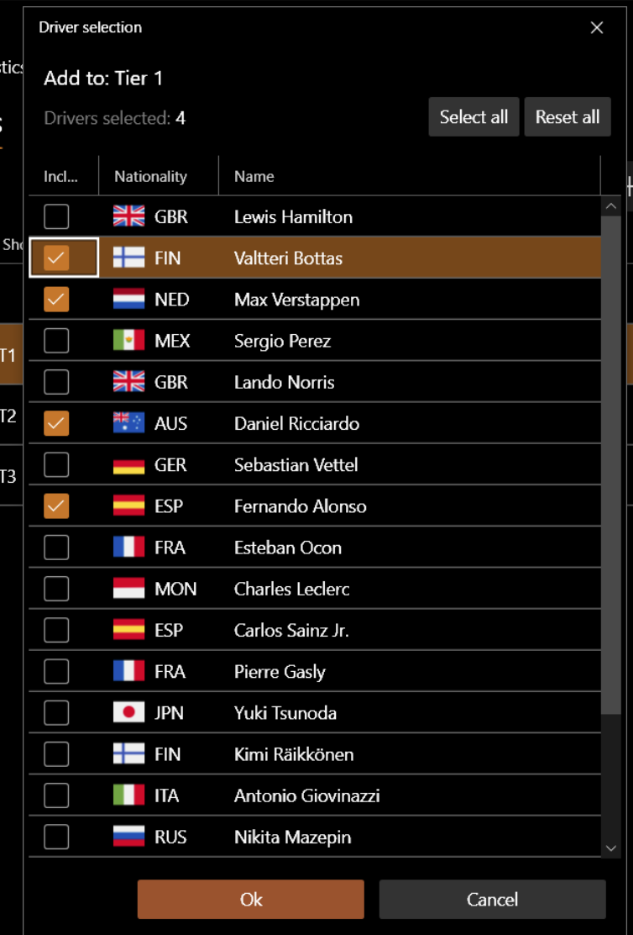
A season can have many different categories:
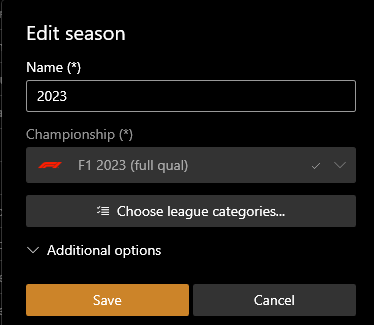
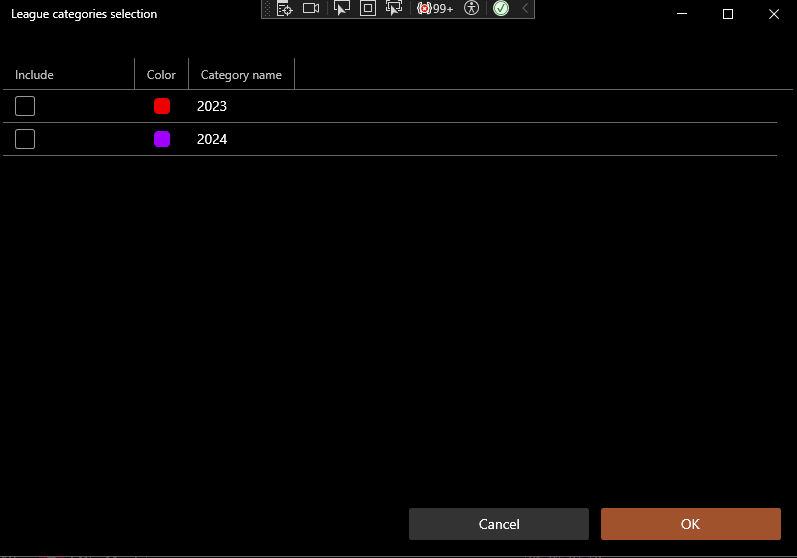
Categorization has the following advantages:
- Visually separate the seasons.
- Limiting the list of drivers in the session results tab.
- Better driver matching for live sessions.
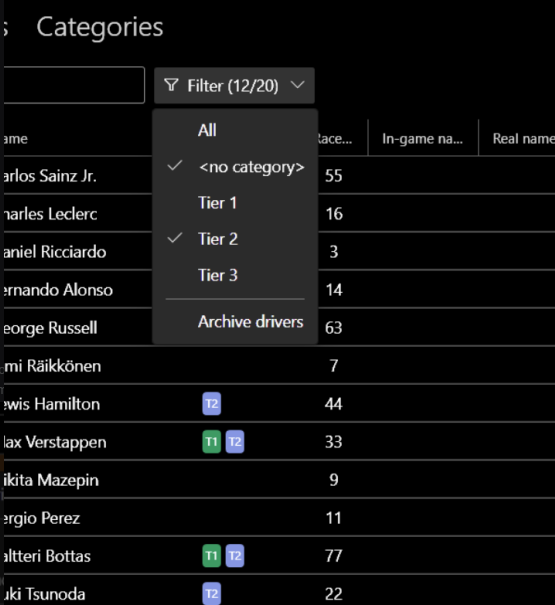
- Filtering on the drivers page:
Driver delete
You will not be able to delete a driver if they are present anywhere in the session results. This is normal and correct. To simply remove the driver from all lists, just move them to the archive:
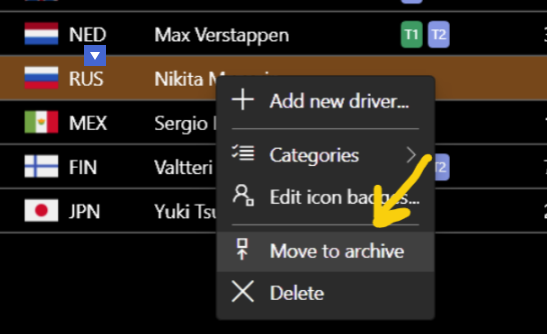
Later on you can do the reverse procedure, if necessary.
Drivers management
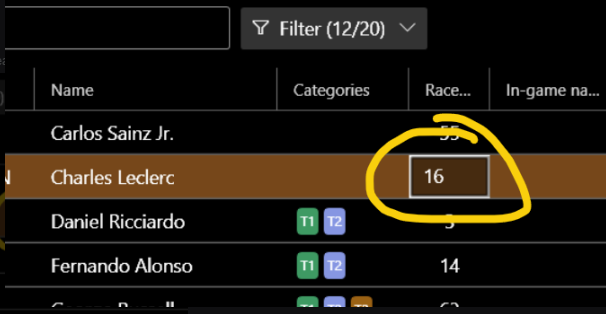
If you use the live timing feature, it is a good idea to set up race numbers in advance for better driver matching:
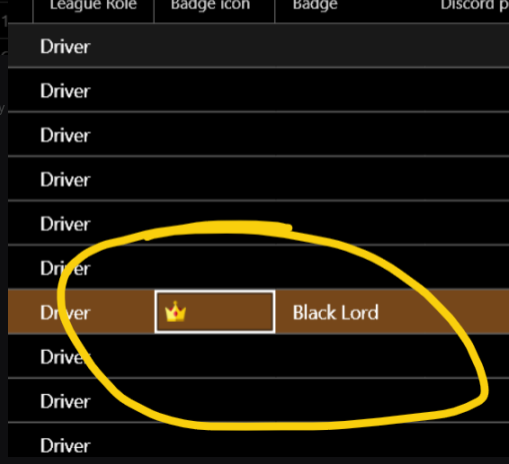
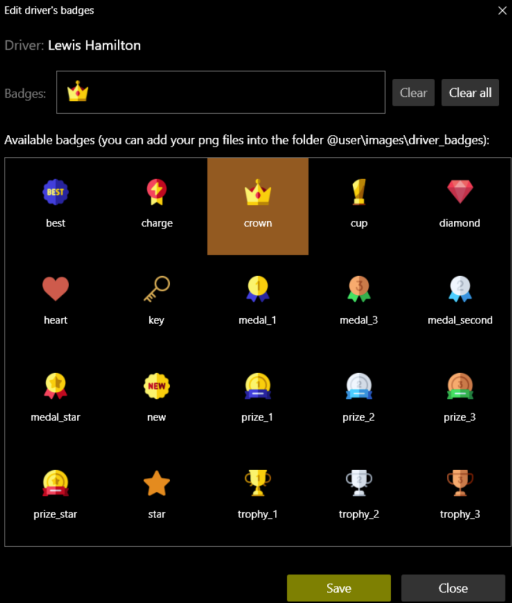
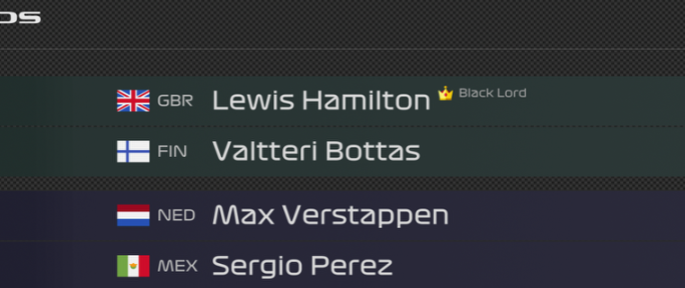
You can link badges next to the driver's name to display on renders:
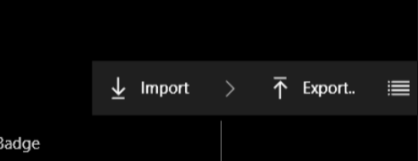
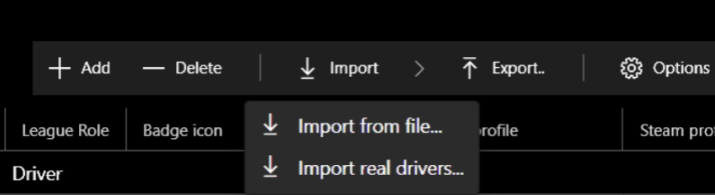
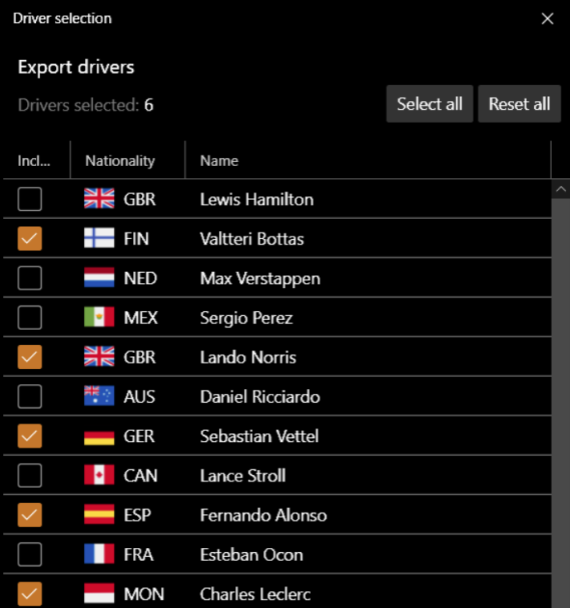
Export / Import drivers
You can also export and import drivers from one database to another:
Line-ups
Import and export also applies to line-ups: